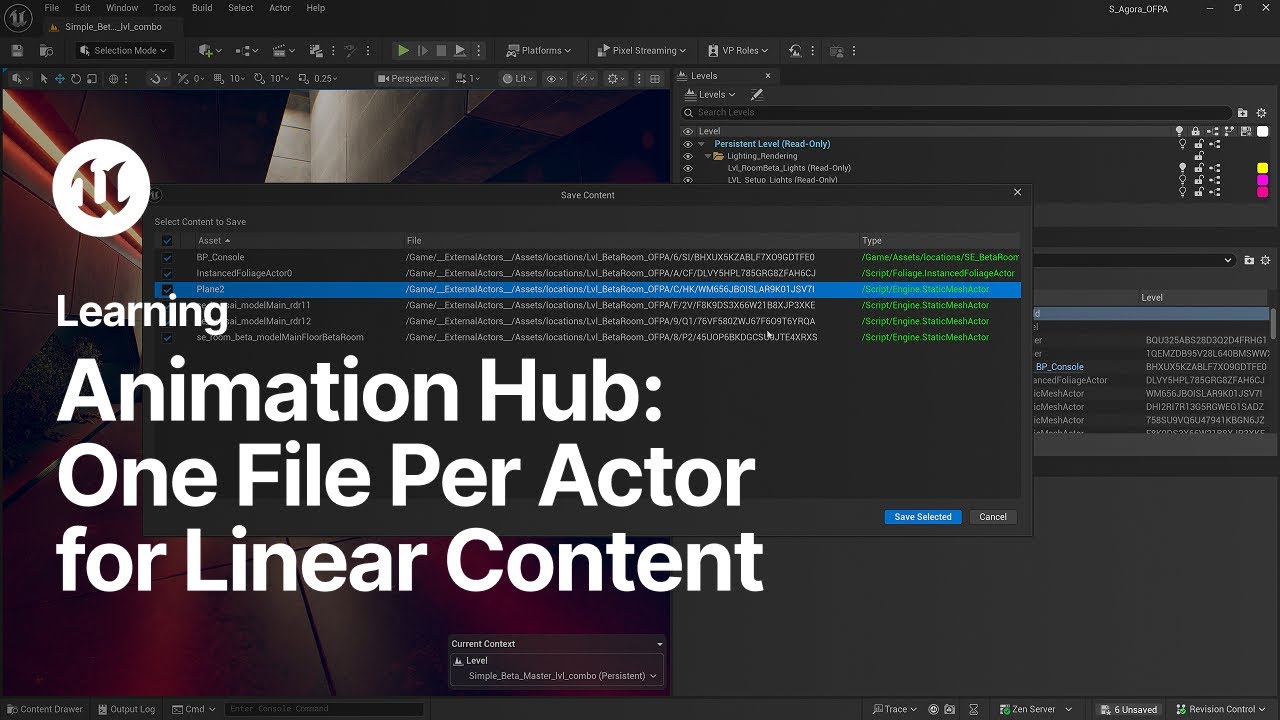
One File Per Actor for Linear Content | Unreal Engine Animation Hub
Watch this video and learn how to use the One File Per Actor (OFPA) workflow in Unreal Engine for linear content.
This tutorial covers setup, pros and cons, conversion steps, and collaboration tips—all without requiring World Partition.
Don’t miss the other episodes in our Animation Hub series—a collection of tutorials designed to get you up to speed with animation in Unreal Engine, fast.
Download the A-COM Animation Sample Project on Fab: https://www.fab.com/listings/7a019296-852d-47b8-86ed-ddcf2835a352
For more information, visit the EDC page for this tutorial:
https://dev.epicgames.com/community/learning/tutorials/op5G/unreal-engine-one-file-per-actor-for-linear-content
Want to learn more about animating in Unreal Engine? Take a look here: unrealengine.com/uses/animation
#Animation, #UnrealEngine, #OneFilePerActor, #UE5
This tutorial covers setup, pros and cons, conversion steps, and collaboration tips—all without requiring World Partition.
Don’t miss the other episodes in our Animation Hub series—a collection of tutorials designed to get you up to speed with animation in Unreal Engine, fast.
Download the A-COM Animation Sample Project on Fab: https://www.fab.com/listings/7a019296-852d-47b8-86ed-ddcf2835a352
For more information, visit the EDC page for this tutorial:
https://dev.epicgames.com/community/learning/tutorials/op5G/unreal-engine-one-file-per-actor-for-linear-content
Want to learn more about animating in Unreal Engine? Take a look here: unrealengine.com/uses/animation
#Animation, #UnrealEngine, #OneFilePerActor, #UE5

Unreal Engine
Welcome to the official Unreal Engine channel!
Unreal Engine is a complete suite of real-time 3D tools made by developers, for developers. Create and take your content anywhere, from PC, console, mobile and VR games to cinematic experiences, visualizatio...