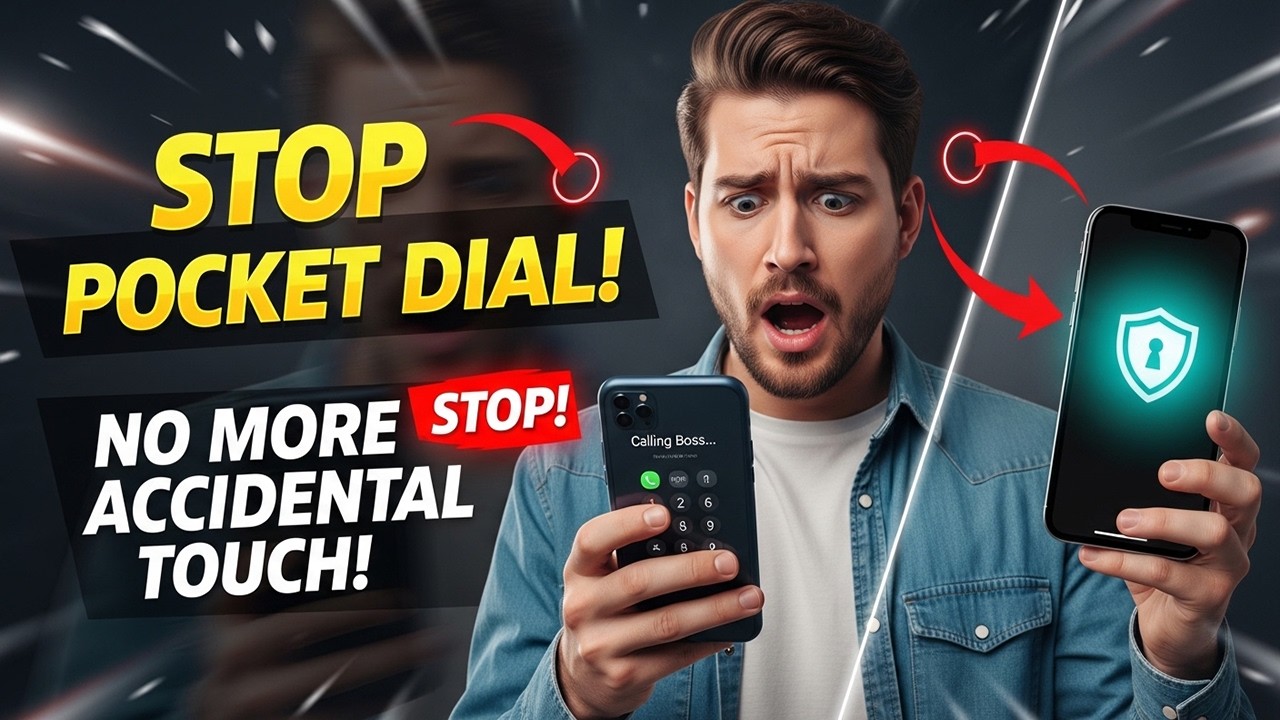
Stop Pocket Dialing Forever: How to Enable Accidental Touch Protection on Any Smartphone
? Stay Connected:
? Subscribe Now & Start Your Web Development Journey Today!
? [https://www.youtube.com/channel/UCqLYJkKUl5WqdlsoU_5Q9IQ]
Like Facebook page for more Like Facebook page for more update and Videos :https://www.facebook.com/TheTechNerdBD/
Stop Pocket Dialing Forever: How to Enable Accidental Touch Protection on Any Smartphone
Few things are more embarrassing—or more frustrating—than pulling your phone out of your pocket to find it mid-call with your boss, your ex, or 911. Pocket dialing, also known as butt dialing, has been a universal smartphone problem for years. But here's the truth: you don't have to live with it.
This video is your complete, brand-by-brand guide to permanently disabling accidental touches and preventing pocket dialing on absolutely any smartphone. Whether you're using a Samsung Galaxy, Google Pixel, OnePlus, Xiaomi, Motorola, or iPhone, we cover every built-in setting, hidden toggle, and third-party solution that will keep your screen asleep when it should be.
No fluff. No jargon. Just clear, actionable steps you can follow right now to never accidentally call, text, or open an app from your pocket again.
What You'll Learn in This Video:
We start with Samsung Galaxy devices, which offer the most mature and effective Accidental Touch Protection feature on the market. You'll learn exactly where to find the official Pocket Mode toggle, plus which additional display settings you should disable to add an extra layer of protection.
Next, we tackle Google Pixel. For years, Pixel users have waited for a native pocket mode solution. While Google doesn't always label it clearly, we reveal the exact combination of lock screen settings and Assistant configurations that finally stop Pixel phones from pocket dialing. This includes critical adjustments most users completely overlook.
For all other Android brands—including OnePlus, Xiaomi, OPPO, vivo, Motorola, and Sony—we teach you a universal method to locate accidental touch protection using nothing more than the Settings search bar. You'll learn the exact keywords to type and where manufacturers hide these toggles. And if your phone simply doesn't include this feature? We introduce you to trusted, lightweight third-party apps that completely disable touch input while your phone is in your pocket or bag.
iPhone users, we haven't forgotten you. While Apple doesn't provide a single "Pocket Mode" switch, iOS includes a powerful suite of accessibility tools that can completely prevent accidental touches. We walk you through Guided Access—the ultimate solution for locking your screen to a single app and disabling all touch input. You'll also learn which wake gestures, lock screen settings, and call handling options to turn off immediately.
Finally, we cover universal fixes that work on literally every smartphone. These are the habits and adjustments that add another layer of protection regardless of your device. From manual lock habits to auto-lock timing, screen protector troubleshooting, and even cleaning techniques—these simple changes make a massive difference.
Who This Video is For:
Samsung Galaxy users who know the feature exists but can't find it in the maze of settings menus. Google Pixel owners frustrated that their phone still dials from their pocket despite having the latest software. iPhone users who have been told "iPhone doesn't have pocket mode" and accepted it. Parents handing their phone to a toddler who inevitably calls someone. Commuters and runners who keep their phone in tight pockets. Anyone who has ever felt that split second of panic when they realize their phone is actively calling someone.
What You'll Be Able to Do After Watching:
Navigate directly to the exact setting that stops pocket dialing on your specific device. Confidently adjust lock screen behaviors, wake gestures, and call handling options. Know exactly which third-party apps are safe and effective if your phone lacks native protection. Implement daily habits that make accidental touches virtually impossible.
Your Pocket Dialing Days End Now.
This problem has followed smartphone users for over a decade. It's not a hardware defect. It's not something you just have to tolerate. It's a setting you haven't changed yet—and once you change it, you'll never think about pocket dialing again.
Open your Settings app, follow along, and finally put an end to accidental calls.
Subscribe for more practical smartphone tutorials, hidden settings guides, and tech troubleshooting that actually solves real problems. Hit the bell so you don't miss our upcoming videos on extending battery life, decluttering your storage, and mastering privacy settings on every device.
#StopPocketDialing #AccidentalTouchProtection #PocketMode #SamsungTips #GooglePixel #iPhoneTips #AndroidSettings #iOS #SmartphoneHacks #TechTutorial #ButtDialing #PocketDialingFix #MistouchPrevention #GuidedAccess #TouchLock #MobileTech #PhoneSettings #TechHelp #AndroidTips #AppleiOS
? Subscribe Now & Start Your Web Development Journey Today!
? [https://www.youtube.com/channel/UCqLYJkKUl5WqdlsoU_5Q9IQ]
Like Facebook page for more Like Facebook page for more update and Videos :https://www.facebook.com/TheTechNerdBD/
Stop Pocket Dialing Forever: How to Enable Accidental Touch Protection on Any Smartphone
Few things are more embarrassing—or more frustrating—than pulling your phone out of your pocket to find it mid-call with your boss, your ex, or 911. Pocket dialing, also known as butt dialing, has been a universal smartphone problem for years. But here's the truth: you don't have to live with it.
This video is your complete, brand-by-brand guide to permanently disabling accidental touches and preventing pocket dialing on absolutely any smartphone. Whether you're using a Samsung Galaxy, Google Pixel, OnePlus, Xiaomi, Motorola, or iPhone, we cover every built-in setting, hidden toggle, and third-party solution that will keep your screen asleep when it should be.
No fluff. No jargon. Just clear, actionable steps you can follow right now to never accidentally call, text, or open an app from your pocket again.
What You'll Learn in This Video:
We start with Samsung Galaxy devices, which offer the most mature and effective Accidental Touch Protection feature on the market. You'll learn exactly where to find the official Pocket Mode toggle, plus which additional display settings you should disable to add an extra layer of protection.
Next, we tackle Google Pixel. For years, Pixel users have waited for a native pocket mode solution. While Google doesn't always label it clearly, we reveal the exact combination of lock screen settings and Assistant configurations that finally stop Pixel phones from pocket dialing. This includes critical adjustments most users completely overlook.
For all other Android brands—including OnePlus, Xiaomi, OPPO, vivo, Motorola, and Sony—we teach you a universal method to locate accidental touch protection using nothing more than the Settings search bar. You'll learn the exact keywords to type and where manufacturers hide these toggles. And if your phone simply doesn't include this feature? We introduce you to trusted, lightweight third-party apps that completely disable touch input while your phone is in your pocket or bag.
iPhone users, we haven't forgotten you. While Apple doesn't provide a single "Pocket Mode" switch, iOS includes a powerful suite of accessibility tools that can completely prevent accidental touches. We walk you through Guided Access—the ultimate solution for locking your screen to a single app and disabling all touch input. You'll also learn which wake gestures, lock screen settings, and call handling options to turn off immediately.
Finally, we cover universal fixes that work on literally every smartphone. These are the habits and adjustments that add another layer of protection regardless of your device. From manual lock habits to auto-lock timing, screen protector troubleshooting, and even cleaning techniques—these simple changes make a massive difference.
Who This Video is For:
Samsung Galaxy users who know the feature exists but can't find it in the maze of settings menus. Google Pixel owners frustrated that their phone still dials from their pocket despite having the latest software. iPhone users who have been told "iPhone doesn't have pocket mode" and accepted it. Parents handing their phone to a toddler who inevitably calls someone. Commuters and runners who keep their phone in tight pockets. Anyone who has ever felt that split second of panic when they realize their phone is actively calling someone.
What You'll Be Able to Do After Watching:
Navigate directly to the exact setting that stops pocket dialing on your specific device. Confidently adjust lock screen behaviors, wake gestures, and call handling options. Know exactly which third-party apps are safe and effective if your phone lacks native protection. Implement daily habits that make accidental touches virtually impossible.
Your Pocket Dialing Days End Now.
This problem has followed smartphone users for over a decade. It's not a hardware defect. It's not something you just have to tolerate. It's a setting you haven't changed yet—and once you change it, you'll never think about pocket dialing again.
Open your Settings app, follow along, and finally put an end to accidental calls.
Subscribe for more practical smartphone tutorials, hidden settings guides, and tech troubleshooting that actually solves real problems. Hit the bell so you don't miss our upcoming videos on extending battery life, decluttering your storage, and mastering privacy settings on every device.
#StopPocketDialing #AccidentalTouchProtection #PocketMode #SamsungTips #GooglePixel #iPhoneTips #AndroidSettings #iOS #SmartphoneHacks #TechTutorial #ButtDialing #PocketDialingFix #MistouchPrevention #GuidedAccess #TouchLock #MobileTech #PhoneSettings #TechHelp #AndroidTips #AppleiOS

Full Course
This channel is about full courses any type of Content Software So Subscribe For Upcoming New Fully Free Course By Full course....