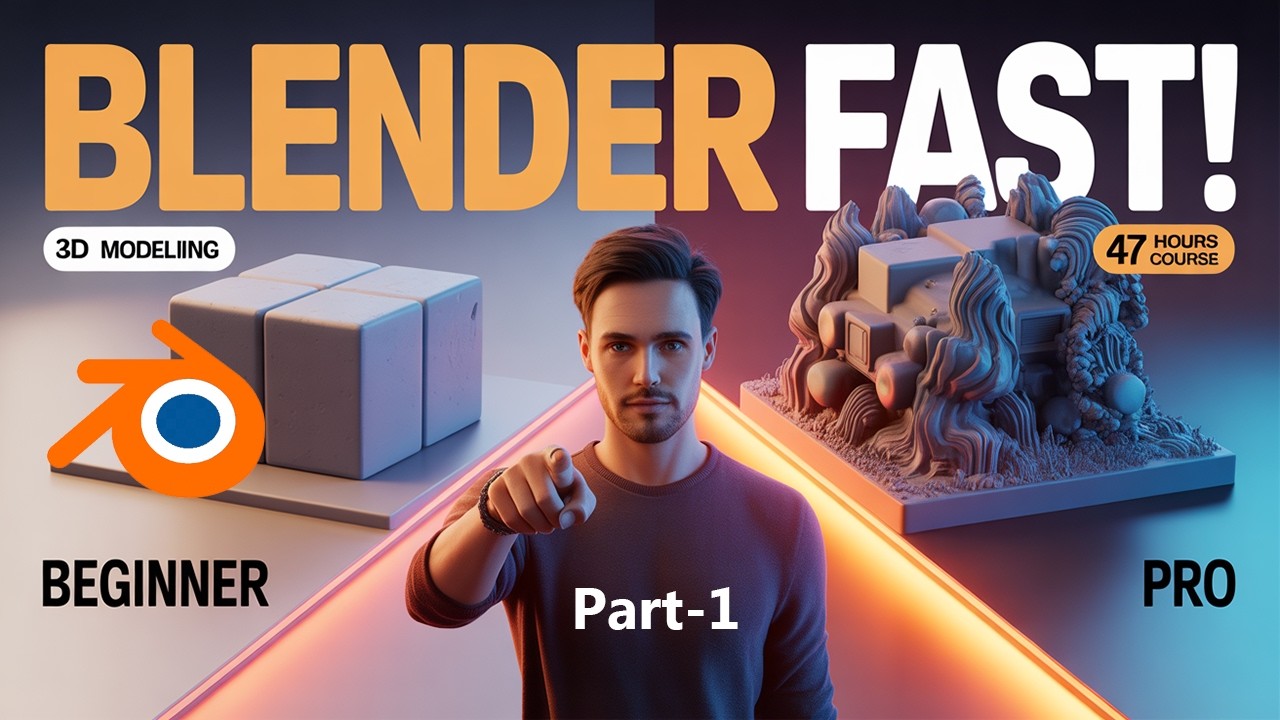
Learn Blender 3D Modeling Fast (Part 1) | Complete 47-Hour Blender 3D Course for Beginners
? Stay Connected:
? Subscribe Now & Start Your Web Development Journey Today!
? [https://www.youtube.com/channel/UCqLYJkKUl5WqdlsoU_5Q9IQ]
Like Facebook page for more Like Facebook page for more update and Videos :https://www.facebook.com/TheTechNerdBD/
Learn Blender 3D Modeling Fast (Part 1) | Complete 47-Hour Blender 3D Course for Beginners
Welcome to the ultimate journey into the world of 3D creation. This is Part 1 of the Complete 47-Hour Blender 3D Modeling Course for Beginners, designed to transform absolute beginners into confident 3D creators. If you have ever dreamed of building stunning 3D models, designing game assets, creating animations, or stepping into the world of digital art, this course is your launchpad.
Blender is one of the most powerful and free 3D software tools available today. It is used by beginners, professionals, freelancers, game developers, and filmmakers worldwide. In this course, you will learn Blender from scratch, starting with zero experience and gradually building your skills step by step until you reach an advanced level of understanding.
This course is carefully structured like a ladder. Each lesson builds on the previous one, allowing you to learn efficiently without feeling overwhelmed. Instead of throwing complex tools at you immediately, we focus on building a strong foundation first. You will understand not just how to use Blender, but why things work the way they do.
At the beginning of this course, you will be introduced to the Blender interface. Many beginners feel lost when they first open Blender because of its complex layout. Here, we simplify everything. You will learn how to navigate the workspace, understand panels, use shortcuts, and move around in 3D space with confidence. Once you master navigation, everything else becomes easier.
Next, we dive into the core of 3D modeling. You will learn how to create basic shapes such as cubes, spheres, and cylinders, and then transform them into detailed objects. You will explore tools like scaling, rotating, extruding, and modifying geometry. These are the building blocks of every 3D model you will ever create.
As you progress, you will start working on real-world projects. Instead of only practicing theory, you will create objects like furniture, everyday items, and simple environments. This hands-on approach ensures that you gain practical skills that you can use in real projects.
One of the most exciting parts of Blender is modifiers. In this course, you will learn how to use powerful modifiers to speed up your workflow. You will discover how to create complex shapes using simple techniques. This will save you time and make your models look more professional.
Another important skill you will learn is precision modeling. You will understand how to create clean and accurate models that look realistic. This is especially important if you want to work in game design, product design, or animation. Clean topology is the secret behind professional-looking 3D models, and you will learn it step by step.
Lighting and materials are what bring your models to life. In this course, you will be introduced to basic materials and textures. You will learn how to apply colors, add surface details, and make your objects look realistic. Even simple models can look stunning with the right lighting and materials.
You will also explore rendering, which is the process of turning your 3D scene into a final image. You will learn how to set up cameras, adjust lighting, and render high-quality images. By the end of this part, you will be able to create professional-looking renders of your models.
This course is not just about tools. It is about mindset. You will learn how to think like a 3D artist. You will understand how to break down complex objects into simple shapes. This approach will allow you to create anything you imagine.
Speed is important, especially if you want to work professionally. That is why this course focuses on efficiency. You will learn keyboard shortcuts, workflow tricks, and smart techniques that will help you work faster without losing quality.
Consistency is key in learning any skill. This course is designed to keep you engaged. Each lesson is structured in a way that keeps you motivated and excited to continue. By following along step by step, you will see your progress clearly.
By the end of Part 1, you will have a strong foundation in Blender 3D modeling. You will be able to create your own models, understand the interface, and work confidently inside Blender. This is just the beginning. Future parts of this course will take you even deeper into advanced modeling, texturing, animation, and more.
This course is perfect for beginners who have never used Blender before. It is also ideal for those who tried learning Blender in the past but felt confused or stuck. Everything is explained in a simple and easy-to-follow way.
? Subscribe Now & Start Your Web Development Journey Today!
? [https://www.youtube.com/channel/UCqLYJkKUl5WqdlsoU_5Q9IQ]
Like Facebook page for more Like Facebook page for more update and Videos :https://www.facebook.com/TheTechNerdBD/
Learn Blender 3D Modeling Fast (Part 1) | Complete 47-Hour Blender 3D Course for Beginners
Welcome to the ultimate journey into the world of 3D creation. This is Part 1 of the Complete 47-Hour Blender 3D Modeling Course for Beginners, designed to transform absolute beginners into confident 3D creators. If you have ever dreamed of building stunning 3D models, designing game assets, creating animations, or stepping into the world of digital art, this course is your launchpad.
Blender is one of the most powerful and free 3D software tools available today. It is used by beginners, professionals, freelancers, game developers, and filmmakers worldwide. In this course, you will learn Blender from scratch, starting with zero experience and gradually building your skills step by step until you reach an advanced level of understanding.
This course is carefully structured like a ladder. Each lesson builds on the previous one, allowing you to learn efficiently without feeling overwhelmed. Instead of throwing complex tools at you immediately, we focus on building a strong foundation first. You will understand not just how to use Blender, but why things work the way they do.
At the beginning of this course, you will be introduced to the Blender interface. Many beginners feel lost when they first open Blender because of its complex layout. Here, we simplify everything. You will learn how to navigate the workspace, understand panels, use shortcuts, and move around in 3D space with confidence. Once you master navigation, everything else becomes easier.
Next, we dive into the core of 3D modeling. You will learn how to create basic shapes such as cubes, spheres, and cylinders, and then transform them into detailed objects. You will explore tools like scaling, rotating, extruding, and modifying geometry. These are the building blocks of every 3D model you will ever create.
As you progress, you will start working on real-world projects. Instead of only practicing theory, you will create objects like furniture, everyday items, and simple environments. This hands-on approach ensures that you gain practical skills that you can use in real projects.
One of the most exciting parts of Blender is modifiers. In this course, you will learn how to use powerful modifiers to speed up your workflow. You will discover how to create complex shapes using simple techniques. This will save you time and make your models look more professional.
Another important skill you will learn is precision modeling. You will understand how to create clean and accurate models that look realistic. This is especially important if you want to work in game design, product design, or animation. Clean topology is the secret behind professional-looking 3D models, and you will learn it step by step.
Lighting and materials are what bring your models to life. In this course, you will be introduced to basic materials and textures. You will learn how to apply colors, add surface details, and make your objects look realistic. Even simple models can look stunning with the right lighting and materials.
You will also explore rendering, which is the process of turning your 3D scene into a final image. You will learn how to set up cameras, adjust lighting, and render high-quality images. By the end of this part, you will be able to create professional-looking renders of your models.
This course is not just about tools. It is about mindset. You will learn how to think like a 3D artist. You will understand how to break down complex objects into simple shapes. This approach will allow you to create anything you imagine.
Speed is important, especially if you want to work professionally. That is why this course focuses on efficiency. You will learn keyboard shortcuts, workflow tricks, and smart techniques that will help you work faster without losing quality.
Consistency is key in learning any skill. This course is designed to keep you engaged. Each lesson is structured in a way that keeps you motivated and excited to continue. By following along step by step, you will see your progress clearly.
By the end of Part 1, you will have a strong foundation in Blender 3D modeling. You will be able to create your own models, understand the interface, and work confidently inside Blender. This is just the beginning. Future parts of this course will take you even deeper into advanced modeling, texturing, animation, and more.
This course is perfect for beginners who have never used Blender before. It is also ideal for those who tried learning Blender in the past but felt confused or stuck. Everything is explained in a simple and easy-to-follow way.

Full Course
This channel is about full courses any type of Content Software So Subscribe For Upcoming New Fully Free Course By Full course....
Real-Life Decisions: Case Studies That Will Change Your Perspective | Real-Life Examples
Full Course
How to Extract Audio from Any Video File | Easy Step-by-Step Guide | Free & Easy Methods
Full Course
How to Delete Login Password in Windows PC (Simple Method 2026) | Password Removal Trick
Full Course