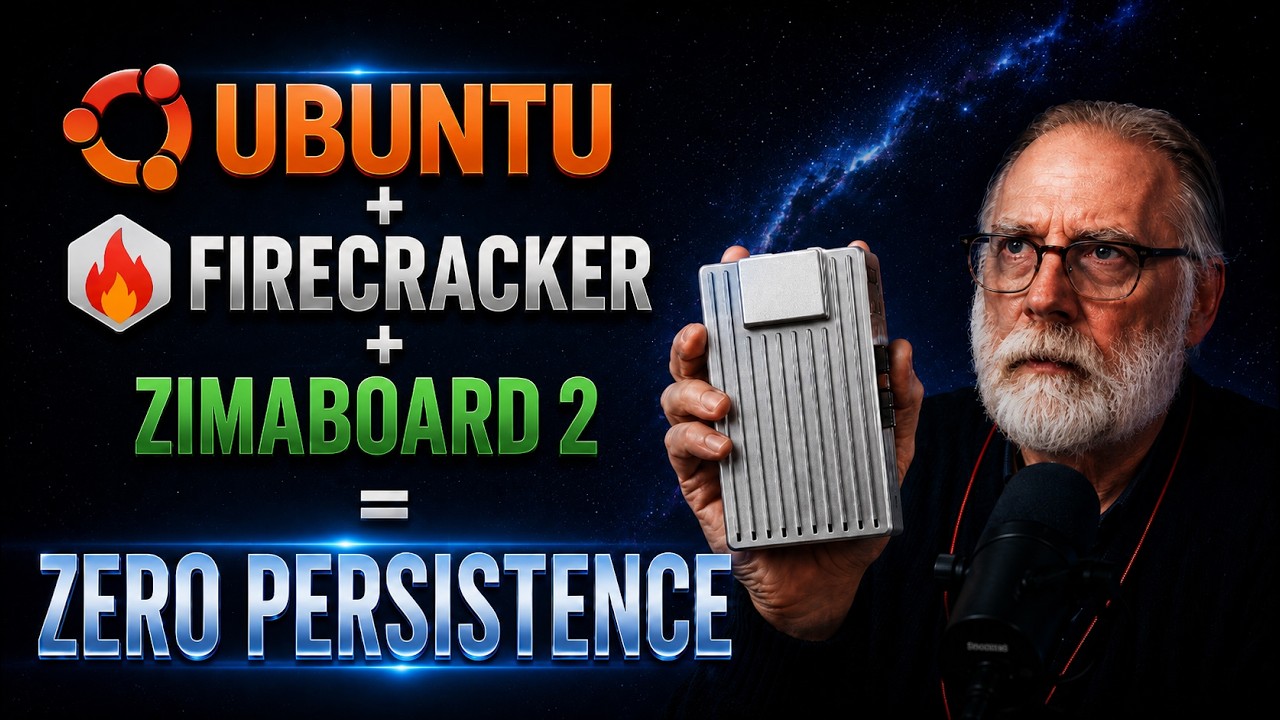
Zero Persistence using a Zimaboard2
Zero Persistence Prototype – First real test on the Icewhale ZimaBoard 2 ($339, Intel N150, 8 GB RAM).
In this video I take the ideas from “The OS is Dying” and put them into practice on actual hardware. We build a working Zero Persistence environment using Firecracker microVMs on Ubuntu 24.04 and see how this low-power board performs under real workloads.
What you’ll see:
• Full ZimaBoard 2 specs & first impressions
• Why Zero Persistence matters
• Firecracker microVM setup
• Ephemeral demo (files disappear after reboot)
• Power, thermals & real-world performance
• Benchmark: ZimaBoard 2 (N150) vs Brand-X (N97)
• Who this board is best for
This is Part 1 of the Zero Persistence series. Part 2 will push multi-VM density, kernels, and deeper testing.
Timestamps:
00:00 - intro
00:24 - So many comments
00:40 - Icewhale Zimaboard 2
01:39 - WHat's in the Box?
02:57 - First Impressions
03:17 - Marker 6
06:20 - Zero Persistence Demo
14:54 - Benchmark N150 vs N97
15:52 - Final Thoughts
Hardware tested:
• Icewhale ZimaBoard 2 (Intel N150, 8 GB LPDDR5)
• Brand-X N97 system (for comparison)
Links:
• Official website link: https://bit.ly/4eav6l1
• Amazon US:https://amzn.to/48qzrgF
• Firecracker docs → https://firecracker-microvm.github.io/
• Previous video: The OS is Dying → https://www.youtube.com/watch?v=YFk5hodJqxc&t=11s
What should we test next? Drop your ideas in the comments.
#NAS #ZimaBoard #Server
In this video I take the ideas from “The OS is Dying” and put them into practice on actual hardware. We build a working Zero Persistence environment using Firecracker microVMs on Ubuntu 24.04 and see how this low-power board performs under real workloads.
What you’ll see:
• Full ZimaBoard 2 specs & first impressions
• Why Zero Persistence matters
• Firecracker microVM setup
• Ephemeral demo (files disappear after reboot)
• Power, thermals & real-world performance
• Benchmark: ZimaBoard 2 (N150) vs Brand-X (N97)
• Who this board is best for
This is Part 1 of the Zero Persistence series. Part 2 will push multi-VM density, kernels, and deeper testing.
Timestamps:
00:00 - intro
00:24 - So many comments
00:40 - Icewhale Zimaboard 2
01:39 - WHat's in the Box?
02:57 - First Impressions
03:17 - Marker 6
06:20 - Zero Persistence Demo
14:54 - Benchmark N150 vs N97
15:52 - Final Thoughts
Hardware tested:
• Icewhale ZimaBoard 2 (Intel N150, 8 GB LPDDR5)
• Brand-X N97 system (for comparison)
Links:
• Official website link: https://bit.ly/4eav6l1
• Amazon US:https://amzn.to/48qzrgF
• Firecracker docs → https://firecracker-microvm.github.io/
• Previous video: The OS is Dying → https://www.youtube.com/watch?v=YFk5hodJqxc&t=11s
What should we test next? Drop your ideas in the comments.
#NAS #ZimaBoard #Server

DJ Ware
I would like to use this channel to give back to the community what I have learned from others. I cover a wide range of topics on computing technology from Home Server setup on a budget, Linux for general use (workstation, server and development), High P...