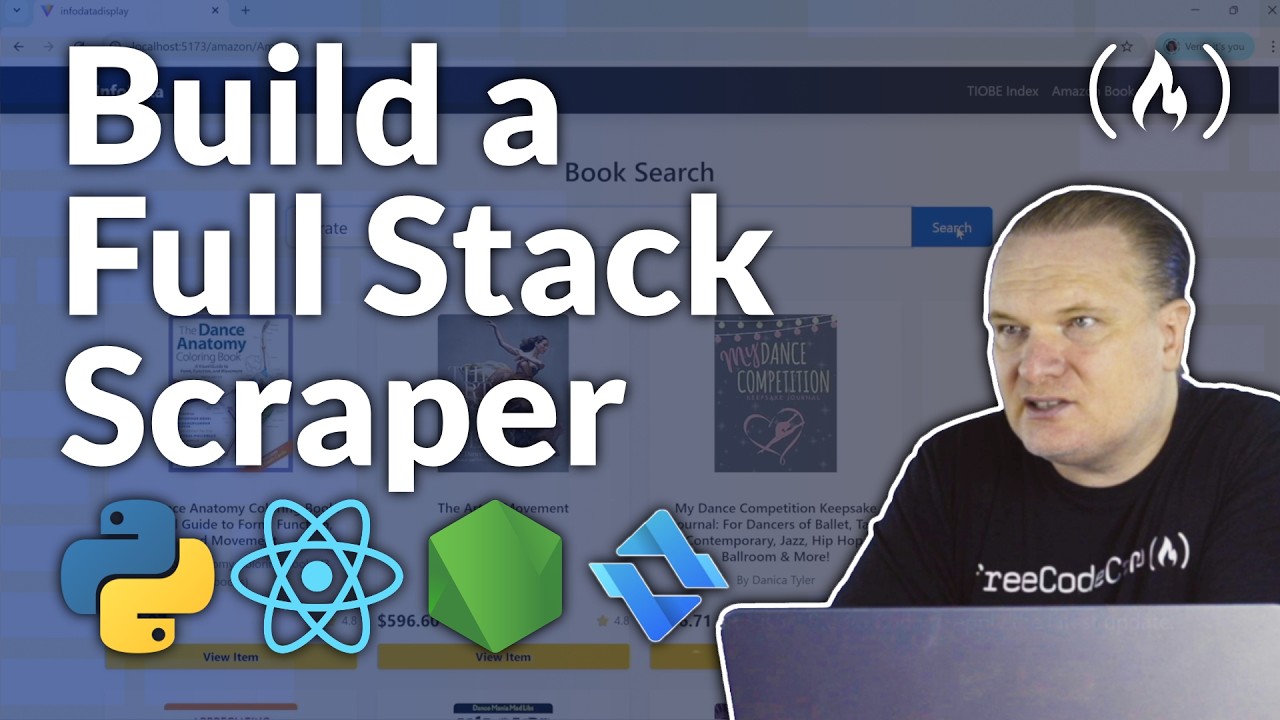
Web Scraping with Python & JavaScript – MERN Stack Full Course
Learn to build robust web scrapers that can defeat modern anti-bot systems. In this 5.5-hour full-stack course, you will transition from basic Python scripting to deploying a full MERN dashboard that scrapes and visualizes real-world data from Amazon, Booking.com, Indeed, and the TIOBE Index.
By the end of this course, you will have a deployed, full-stack application featuring a React dashboard that visualizes live scraped data. It is completely professional enough to put on your portfolio or use as a production template for client work.
-? Tech Stack
- Languages: Python | JavaScript
- Scraping & Bypass: Playwright | Cheerio | Evomi Scraping Browser | Evomi Scraper API | Residential Proxies
- Full-Stack: Node.js | Express | MongoDB | React | Vite | Bootstrap
? Start Scraping with Evomi: https://evomi.com/freecodecamp
✏️ Course developed by @GavinLon
? Code
- Link to Python Web Scraper Scripts: https://github.com/GavinLonDigital/Python_WebScraping_Scripts
- Link to Full-stack web application code (MERN): https://github.com/GavinLonDigital/InfoData
?️ Evomi provided a grant to make this course possible.
Chapters
- 0:00:00 Introduction
- 0:12:44 Part1 - Web Scraping with Python Scripts - Overview
- 0:16:27 Scraping booking.com using Python Script and Evomi’s Scraping Browser
- 0:37:10 Scraping indeed.com using Python Script and Evomi’s Scraper API
- 0:48:39 Scrape amazon.com using Python Script and Evomi’s Core Residential Proxies
- 1:00:06 Part 2 - Pass Bot Detection Tests with Evomi’s Scraping Browser - Overview
- 1:04:18 Access Bot Detection WebSite using JavaScript - Through Standard Playwright
- 1:13:29 Access Bot Detection WebSite using JavaScript - Through Evomi’s Scraping Browser
- 1:18:39 Part 3 - Full-stack Web Scraping App using MERN - Overview
- 1:22:11 Getting Setup to Create the Full-stack Web Application
- 1:28:17 Install Dependencies for the Server-side Node project
- 1:29:26 Create server.js Code file
- 1:42:03 Create language.js Code File -To Define Schema for the TIOBE Index Data Model
- 1:51:18 Create tiobeService.js Code File - To Create Scraping/Parsing Code using Evomi’s Scraper API and Cheerio Respectively
- 2:12:41 Create tiobeController.js Code File - To Handle Incoming http Request Logic
- 2:23:02 Quick Bug Fixing Session Before Testing Code Through Postman
- 2:26:01 Test Scraping the TIOBE Index through Postman
- 2:32:28 Create the React Code to Display Scraped Tiobe Index Data
- 2:32:49 Setup React Client Project using VITE
- 2:35:50 Create Tiobe React Component
- 2:50:17 Install Bootstrap and React-Router-Dom
- 3:07:24 Within App.jsx Create the Route for the Tiobe Component
- 3:26:35 Run the React Client to Test the Tiobe React Component
- 3:37:01 Fix Cosmetic Issues
- 3:39:29 Run Code to Test Cosmetic Fixes
- 3:40:27 How to Poll Request to Evomi Using Evomi’s Scraper API.
- 3:45:24 Implement Server-side Node Code to Scrape Amazon Search Results
- 3:45:58 Create Amazon Route in server.js
- 3:46:50 Create Book Model to Define the Scheme for Amazon Search Data
- 3:56:27 Create amazonService.js Code File - To Create Scraping and Parsing Code using Evomi’s Scraper API and Cheerio Respectively
- 4:23:21 Create bookController.js Code File - To Handle Incoming http Request Logic
- 4:24:41 Make Sure the bookController.getAmazonBooks is Mapped to Route
- 4:34:42 Test Server-side Node Code for Scraping Amazon Search Results using Postman
- 4:36:41 Debug Session - Fix and Issue
- 4:37:19 Run Code - Tested with Successful Results
- 4:38:41 Create React Code to Display Amazon Search Results
- 4:40:06 Create Amazon React Component
- 5:21:26 Test React Code for Amazon Web Scraping
- 5:25:12 Fix Cosmetic Issues
- 5:27:20 Run Code to Check Cosmetic Fixes
- 5:36:27 Outro
By the end of this course, you will have a deployed, full-stack application featuring a React dashboard that visualizes live scraped data. It is completely professional enough to put on your portfolio or use as a production template for client work.
-? Tech Stack
- Languages: Python | JavaScript
- Scraping & Bypass: Playwright | Cheerio | Evomi Scraping Browser | Evomi Scraper API | Residential Proxies
- Full-Stack: Node.js | Express | MongoDB | React | Vite | Bootstrap
? Start Scraping with Evomi: https://evomi.com/freecodecamp
✏️ Course developed by @GavinLon
? Code
- Link to Python Web Scraper Scripts: https://github.com/GavinLonDigital/Python_WebScraping_Scripts
- Link to Full-stack web application code (MERN): https://github.com/GavinLonDigital/InfoData
?️ Evomi provided a grant to make this course possible.
Chapters
- 0:00:00 Introduction
- 0:12:44 Part1 - Web Scraping with Python Scripts - Overview
- 0:16:27 Scraping booking.com using Python Script and Evomi’s Scraping Browser
- 0:37:10 Scraping indeed.com using Python Script and Evomi’s Scraper API
- 0:48:39 Scrape amazon.com using Python Script and Evomi’s Core Residential Proxies
- 1:00:06 Part 2 - Pass Bot Detection Tests with Evomi’s Scraping Browser - Overview
- 1:04:18 Access Bot Detection WebSite using JavaScript - Through Standard Playwright
- 1:13:29 Access Bot Detection WebSite using JavaScript - Through Evomi’s Scraping Browser
- 1:18:39 Part 3 - Full-stack Web Scraping App using MERN - Overview
- 1:22:11 Getting Setup to Create the Full-stack Web Application
- 1:28:17 Install Dependencies for the Server-side Node project
- 1:29:26 Create server.js Code file
- 1:42:03 Create language.js Code File -To Define Schema for the TIOBE Index Data Model
- 1:51:18 Create tiobeService.js Code File - To Create Scraping/Parsing Code using Evomi’s Scraper API and Cheerio Respectively
- 2:12:41 Create tiobeController.js Code File - To Handle Incoming http Request Logic
- 2:23:02 Quick Bug Fixing Session Before Testing Code Through Postman
- 2:26:01 Test Scraping the TIOBE Index through Postman
- 2:32:28 Create the React Code to Display Scraped Tiobe Index Data
- 2:32:49 Setup React Client Project using VITE
- 2:35:50 Create Tiobe React Component
- 2:50:17 Install Bootstrap and React-Router-Dom
- 3:07:24 Within App.jsx Create the Route for the Tiobe Component
- 3:26:35 Run the React Client to Test the Tiobe React Component
- 3:37:01 Fix Cosmetic Issues
- 3:39:29 Run Code to Test Cosmetic Fixes
- 3:40:27 How to Poll Request to Evomi Using Evomi’s Scraper API.
- 3:45:24 Implement Server-side Node Code to Scrape Amazon Search Results
- 3:45:58 Create Amazon Route in server.js
- 3:46:50 Create Book Model to Define the Scheme for Amazon Search Data
- 3:56:27 Create amazonService.js Code File - To Create Scraping and Parsing Code using Evomi’s Scraper API and Cheerio Respectively
- 4:23:21 Create bookController.js Code File - To Handle Incoming http Request Logic
- 4:24:41 Make Sure the bookController.getAmazonBooks is Mapped to Route
- 4:34:42 Test Server-side Node Code for Scraping Amazon Search Results using Postman
- 4:36:41 Debug Session - Fix and Issue
- 4:37:19 Run Code - Tested with Successful Results
- 4:38:41 Create React Code to Display Amazon Search Results
- 4:40:06 Create Amazon React Component
- 5:21:26 Test React Code for Amazon Web Scraping
- 5:25:12 Fix Cosmetic Issues
- 5:27:20 Run Code to Check Cosmetic Fixes
- 5:36:27 Outro

freeCodeCamp.org
Learn to code for free....
Stop choosing between learning coding fundamentals and learning to use AI. Do both.
freeCodeCamp.org
Are you familiar with the Zen of Python? Estefania breaks down the principles here.
freeCodeCamp.org