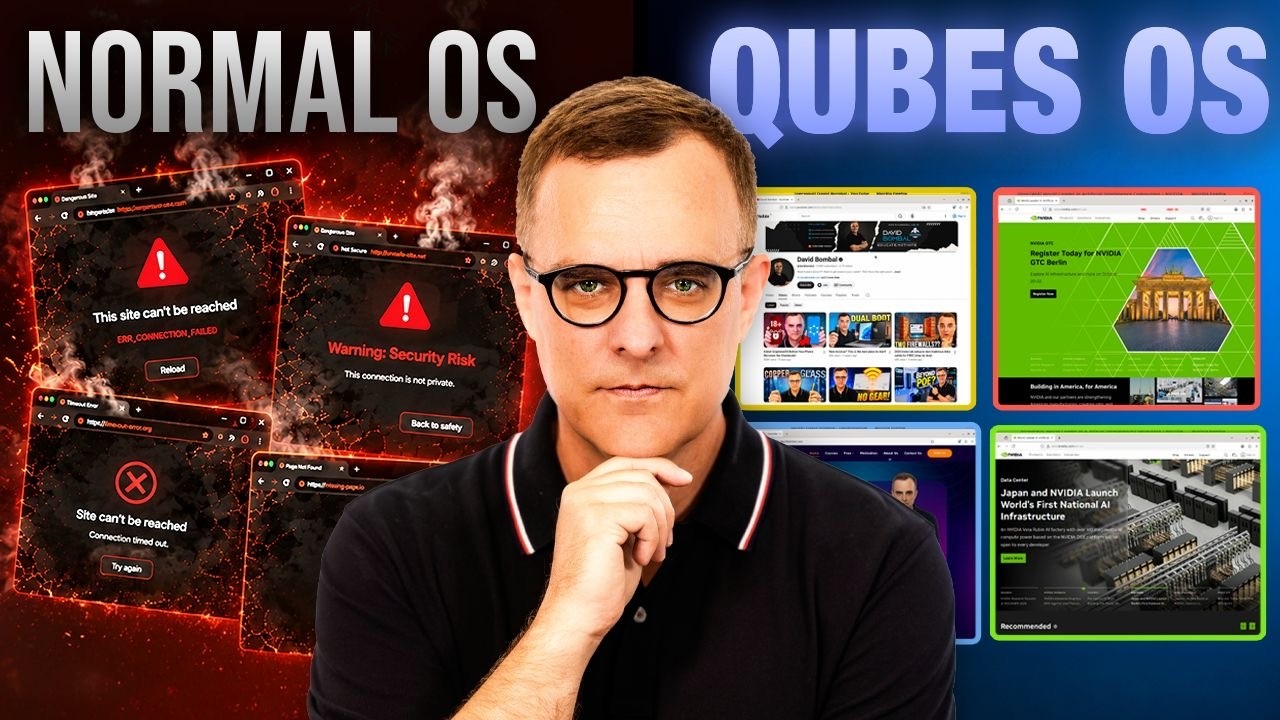
Qubes OS explained: assume you will get hacked
Big thanks to Proton VPN for sponsoring this video. To sign up for Proton VPN please use the following link https://protonvpn.com/davidbombal and get 70% off.
Qubes OS is built around one brutally honest idea: assume a breach. Instead of trusting your browser, files, passwords, work documents, and sensitive data in one shared environment like Windows, macOS, or a typical Linux install, Qubes separates everything into isolated compartments called qubes, so one mistake doesn't compromise your entire computer.
In this overview I walk through how Qubes OS actually works. I explain what a qube is (an isolated security compartment implemented as a virtual machine, but integrated into one desktop so apps sit side by side), and why the colored window borders matter, with a personal qube in yellow and a work qube in blue running Firefox at the same time. You'll see the separate file managers, how Whonix brings Tor browsing into its own compartment, the offline Vault qube that has no network
access for your most sensitive files, and disposable qubes that are destroyed the moment you close them.
I also cover the deliberate inter-qube clipboard (Ctrl+C, Ctrl+Shift+C, Ctrl+Shift+V, then Ctrl+V), how to copy a file between qubes through the qubes-incoming folder, and what the system qubes SysNet, SysFirewall, and SysUSB actually do in the background. Finally I explain the Qubes update model, dom0, templates, and app qubes, and why you keep templates updated with the Qubes Update tool rather than direct commands.
Qubes isn't magic and it isn't the most convenient OS, but by separating everything by trust level it gives you a far stronger security model than putting your entire digital life in one place. Would you daily drive Qubes OS, or is it too extreme? Let me know in the comments
// David's SOCIAL //
Discord: https://discord.com/invite/usKSyzb
X: https://www.twitter.com/davidbombal
Instagram: https://www.instagram.com/davidbombal
LinkedIn: https://www.linkedin.com/in/davidbombal
Facebook: https://www.facebook.com/davidbombal.co
TikTok: http://tiktok.com/@davidbombal
YouTube: https://www.youtube.com/@davidbombal
Spotify: https://open.spotify.com/show/3f6k6gERfuriI96efWWLQQ
SoundCloud: https://soundcloud.com/davidbombal
Apple Podcast: https://podcasts.apple.com/us/podcast/david-bombal/id1466865532
// MY STUFF //
https://www.amazon.com/shop/davidbombal
// SPONSORS //
Interested in sponsoring my videos? Reach out to my team here: sponsors@davidbombal.com
// MENU //
0:00 - The safest OS?
01:54 - What Qubes OS looks like
03:14 - Personal and Work qubes demo
05:16 - Proton VPN sponsor segment
07:46 - Integrating Whonix in Qubes
08:52 - Vault qubes explained
09:45 - Disposable qubes explained
10:49 - How to copy text between qubes
12:38 - Security vs Convenience
13:10 - Moving files from one qube to another
14:55 - System/service qubes explained
16:55 - How updating works in Qubes OS
18:58 - Requirements for Qubes OS
20:22 - Conclusion
Please note that links listed may be affiliate links and provide me with a small percentage/kickback should you use them to purchase any of the items listed or recommended. Thank you for supporting me and this channel!
Disclaimer: This video is for educational purposes only.
#qubesos #virtualization #operatingsystem
Qubes OS is built around one brutally honest idea: assume a breach. Instead of trusting your browser, files, passwords, work documents, and sensitive data in one shared environment like Windows, macOS, or a typical Linux install, Qubes separates everything into isolated compartments called qubes, so one mistake doesn't compromise your entire computer.
In this overview I walk through how Qubes OS actually works. I explain what a qube is (an isolated security compartment implemented as a virtual machine, but integrated into one desktop so apps sit side by side), and why the colored window borders matter, with a personal qube in yellow and a work qube in blue running Firefox at the same time. You'll see the separate file managers, how Whonix brings Tor browsing into its own compartment, the offline Vault qube that has no network
access for your most sensitive files, and disposable qubes that are destroyed the moment you close them.
I also cover the deliberate inter-qube clipboard (Ctrl+C, Ctrl+Shift+C, Ctrl+Shift+V, then Ctrl+V), how to copy a file between qubes through the qubes-incoming folder, and what the system qubes SysNet, SysFirewall, and SysUSB actually do in the background. Finally I explain the Qubes update model, dom0, templates, and app qubes, and why you keep templates updated with the Qubes Update tool rather than direct commands.
Qubes isn't magic and it isn't the most convenient OS, but by separating everything by trust level it gives you a far stronger security model than putting your entire digital life in one place. Would you daily drive Qubes OS, or is it too extreme? Let me know in the comments
// David's SOCIAL //
Discord: https://discord.com/invite/usKSyzb
X: https://www.twitter.com/davidbombal
Instagram: https://www.instagram.com/davidbombal
LinkedIn: https://www.linkedin.com/in/davidbombal
Facebook: https://www.facebook.com/davidbombal.co
TikTok: http://tiktok.com/@davidbombal
YouTube: https://www.youtube.com/@davidbombal
Spotify: https://open.spotify.com/show/3f6k6gERfuriI96efWWLQQ
SoundCloud: https://soundcloud.com/davidbombal
Apple Podcast: https://podcasts.apple.com/us/podcast/david-bombal/id1466865532
// MY STUFF //
https://www.amazon.com/shop/davidbombal
// SPONSORS //
Interested in sponsoring my videos? Reach out to my team here: sponsors@davidbombal.com
// MENU //
0:00 - The safest OS?
01:54 - What Qubes OS looks like
03:14 - Personal and Work qubes demo
05:16 - Proton VPN sponsor segment
07:46 - Integrating Whonix in Qubes
08:52 - Vault qubes explained
09:45 - Disposable qubes explained
10:49 - How to copy text between qubes
12:38 - Security vs Convenience
13:10 - Moving files from one qube to another
14:55 - System/service qubes explained
16:55 - How updating works in Qubes OS
18:58 - Requirements for Qubes OS
20:22 - Conclusion
Please note that links listed may be affiliate links and provide me with a small percentage/kickback should you use them to purchase any of the items listed or recommended. Thank you for supporting me and this channel!
Disclaimer: This video is for educational purposes only.
#qubesos #virtualization #operatingsystem

David Bombal
Want to learn about IT? Want to get ahead in your career? Well, this is the right place!
On this channel, I discuss Linux, Python, Ethical Hacking, Networking, CCNA, Virtualization and other IT related topics.
This YouTube channel has new videos upload...