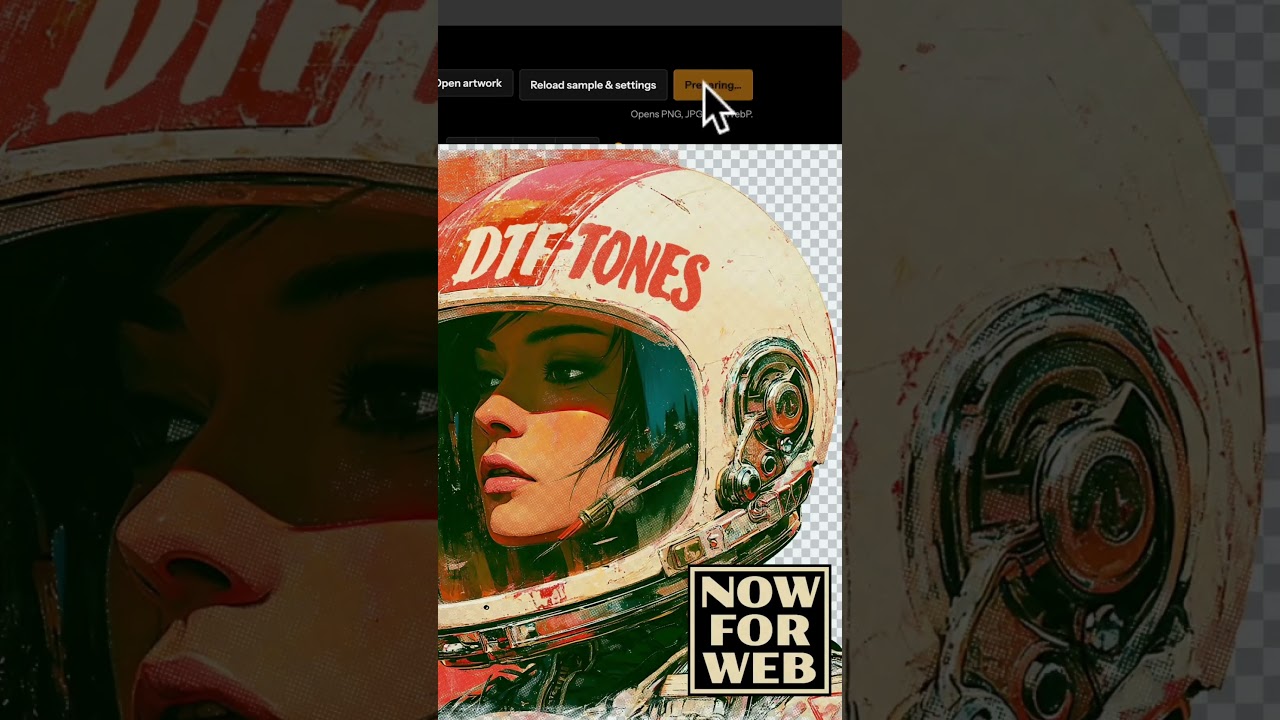
Transparent Halftones for DTF & DTG Printing
Printing FLATTENED art? No problem!
DTF-TONES will prep your DTF and DTG graphics by automatically removing the background color and adding halftone knockout.
For Photoshop, Affinity, or your WEB BROWSER (no software needed!)
It works especially well with flattened art with edges that bleed into the background color, such as watercolor paintings.
Live-editing on the fly: View and adjust your knockout & halftone transparency instantly with no need to “convert to bitmap” to see the results.
How it works:
1. Copy & paste your image into the template.
2. Set your background color to match your image.
3. Halftones & Knockout will automatically be applied.
4. Adjust halftones and settings to refine your graphic.
5. Export your image as a Transparent PNG; ready for printing!
For all the details, have a look at TheVectorLab.com
https://thevectorlab.com/products/dtf-tones
DTF-TONES will prep your DTF and DTG graphics by automatically removing the background color and adding halftone knockout.
For Photoshop, Affinity, or your WEB BROWSER (no software needed!)
It works especially well with flattened art with edges that bleed into the background color, such as watercolor paintings.
Live-editing on the fly: View and adjust your knockout & halftone transparency instantly with no need to “convert to bitmap” to see the results.
How it works:
1. Copy & paste your image into the template.
2. Set your background color to match your image.
3. Halftones & Knockout will automatically be applied.
4. Adjust halftones and settings to refine your graphic.
5. Export your image as a Transparent PNG; ready for printing!
For all the details, have a look at TheVectorLab.com
https://thevectorlab.com/products/dtf-tones

TheVectorLab
Graphic design and typography tutorials by Ray Dombroski. How to use vector art, mockup templates, and bitmap textures to save time and improve your designs. TheVectorLab.com is a website where you can download the same bitmap textures, vectors, and mocku...